
A Handy way to talk to your computer
 Transcribing audio is one of the things AI models do best. It’s also one of the cheapest, since the go-to models for the job, like OpenAI’s Whisper and Nvidia’s Parakeet, are released for free and are small enough to run on ordinary computers.
I’ve written here before about Whisper Transcription (aka MacWhisper), a real lifesaver for transcribing all sorts of audio. Today I want to talk about Handy, a kind of “layer” that aims to replace the keyboard when you’re writing on your computer.
Free, open source and available for Linux, macOS and Windows, Handy is summoned with a keyboard shortcut and works in any text field, from Notepad to forms on a web page. Once you’ve downloaded a transcription model, it works without an internet connection: everything runs right on your computer.
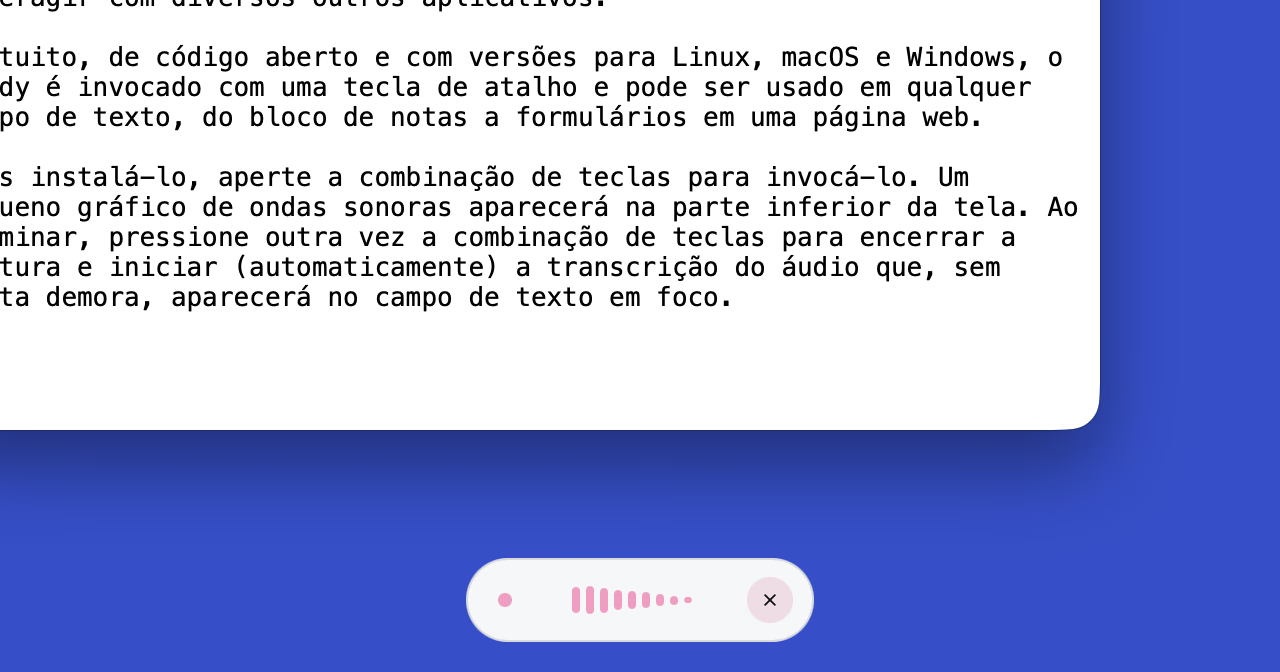
Once it’s installed, press the key combination to summon it (on macOS, Option + Space; I’m not sure about the other OSs). A small sound wave graphic will show up at the bottom of the screen. When you’re done talking, press the key combination again to stop recording and automatically start transcribing. Before long, the text will appear in whatever field is in focus.
Besides the mode described above, where the key combination starts and stops recording, there’s another one where you hold the keys down while you talk. You pick one in Handy’s settings.
That’s also where you download and choose the transcription model, in the “Models” tab. I’ve been using Whisper Small for its mix of size, speed and accuracy — and because it understands multiple languages, since I speak exclusively in Brazilian Portuguese.
Opening that screen again to write this post, I noticed other models with the same features and equal or even higher speed and accuracy scores, like Parakeet Ultra or Canary 1B v2. They might be worth a shot, especially if your computer has horsepower to spare.
(I also noticed that, in some recent update, Handy gained the ability to transcribe audio files. It works, but it’s more basic than Whisper Transcription and its many options.)
In my experience, transcription tools like Handy aren’t up to the task for writing that requires careful thought, or even a minimal chain of ideas, like this very post. For messaging, prompting AI tools and other more casual, free-form writing, though, they work great.