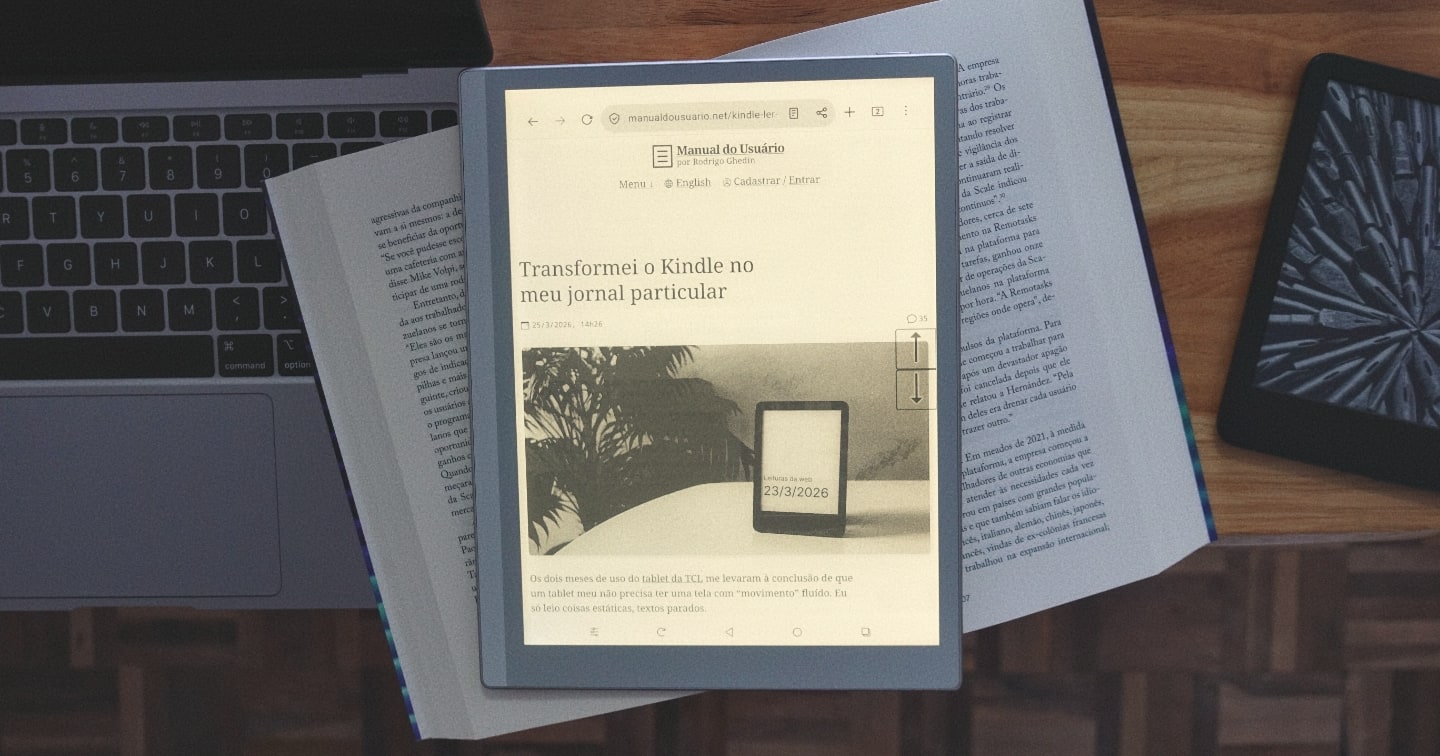
Gadgetbridge: A FOSS alternative to your fitness watch’s app

Putting a smart watch or band on your wrist means installing an app on your phone. That makes sense, given the tiny screens on these devices.

The problem is that these apps tend to do more than you’d expect. Huawei’s, for example, has a store for watch faces and AI-powered coaching and who knows what else it does behind the scenes. Apple’s (Fitness), one of the more low-key ones, reserves a prominent spot for the Fitness+ button, a paid subscription for access to recorded classes.

AI, by the way, has been spreading through the apps that pair with watches. (From here on, read “watches” as “watches and/or bands.”) The major companies in the industry have thrown their respective AIs into their health apps to make sense of the ton of data these watches collect and store on the phone. That they “hallucinate” seems to be treated as a mere detail — though it shouldn’t be.

There’s a way out (that I know of, at least) that doesn’t go through these official apps. And only if you have an Android phone. It’s Gadgetbridge.

(more…)

degr° 
degr.app

A screensaver that displays, in giant numbers, the temperature and/or the hour against a black background. There are 30  fonts to choose from, many combinations, and an option that moves the pixels a little bit once in a while to avoid to “burn” OLED screens. Free, for macOS and Windows.

This utility turns off the MacBook display when it connects to an external monitor

Add it to the list of trivial things macOS inexplicably can’t do: turn off the laptop display when it connects to an external monitor.
Until yesterday, what I did was use a utility — MonitorControl — to reduce the built-in display brightness to the minimum. It’s effectively off, but still active, meaning the mouse “wanders off” into the darkness and, depending on how the monitors are arranged, the Dock ends up hidden on the blacked-out display.

I happened to come across a tiny free app by Jeremy Kanter, suggestively named One Display, that turns off (really turns off) the built-in display as soon as the laptop is connected to an external screen.

To my surprise, it works!

There are only two options in One Display:

  1. Launch at login (Start at login).
  2. A keyboard shortcut to toggle the laptop display on and off. The default is Control + Command + B.

In an ideal world (or operating system), this functionality would be native. I know the KDE Plasma graphical environment does this. In macOS, to the dismay of people who prefer working with a single display, it apparently isn’t a priority.

Gnome 51 “A Coruña”

This Wednesday (16th), the stable version of Gnome 51, the famous desktop environment for Linux, was released. (Announcement video.) The highlight is improvements in performance and graphics. I don’t know if it was already there, but I’m glad to see that Sushi is a default app and was ported to GTK4. It displays file content by pressing the Space key in the file manager — similar to the quick Look of macOS.

Unfortunately the new overlay of the search results, which was expected to land in Gnome 51, didn’t make the cut.

Jellyfin 12

After several beta and RC versions, Jellyfin 12 was released this Monday (7th). This is the server application, which other devices access to display stored videos, music, and other digital media. It also comes with a client accessible via the web.

The versioning scheme has changed, and this new release comes with a handful of breaking changes and pre-installation precautions. It’s well worth reading the full release announcement — it’s in English, but an automatic translation should do the job.

All these hurdles will pay off in plenty of fixes and improvements. Among the visible ones, notable additions include support for multiple versions of the same episode, improvements to digital books and comics and their recommendations, support for plugins that expand search functionality, and the modern layout becoming the new default. The changelog is really long.

LibreOffice breaks download records after declaring it has no AI features

LibreOffice 26.8, released on August 26th, became the software’s most popular update. LibreOffice is a free alternative to Microsoft Office that’s been around for nearly two decades. In one week, the installer was downloaded more than 1 million times — not counting updates via Linux distribution repositories.

Someone might say the improvements to the writing system and typography are a hit among NGOs, government agencies, and offices that use LibreOffice. I’m putting my money on a “non-feature,” though: the statement that LibreOffice doesn’t come with generative AI features due to the technology’s (lack of) privacy.

A day after celebrating the download record and the wide media coverage, The Document Foundation (TDF), which manages the software, spelled out its position in a post titled “Yes, no AI is now a feature”.

The article, signed by Italo Vignoli, says TDF “does not reject artificial intelligence out of hand,” but that the technology doesn’t yet meet an exhaustive list of principles to be included by default. Those principles are:

  • User-controlled execution.
  • No content may leave the computer without authorization.
  • No telemetry of any kind.
  • No dependency on a single vendor.
  • No compromises on [file] format.
  • Entirely optional.

For now, TDF recommends community plugins to integrate AI into LibreOffice.

TDF’s distinctive stance “has almost nothing to do with the technology,” the article continues, before taking a jab at rivals that dove headfirst into AI. For the foundation, “an AI assistant justifies a price increase and strengthens the case for keeping all documents within its own infrastructure,” referring to companies that rely on selling subscriptions.

The Document Foundation’s detailed explanation may disappoint anyone who read the announcement at the LibreOffice 26.8 launch as an anti-AI manifesto.

Whatever the reasons, the LibreOffice 26.8 case answers a question I and others have had since 2023: if the whole market now offers AI baked in software of every kind, is there really no room for AI-free alternatives to stand out? Apparently, there is.

Pacific Block, an image and video blocker for Safari, now supports Shortcuts

I’ve mentioned the Pacific Block extension for Safari in passing a few times before. It’s a content blocker, but instead of ads and trackers, it blocks images, audio, and video. It’s great for saving data on a limited mobile plan (like a pay-as-you-go carrier plan) and for speeding up web browsing on unstable connections.

Back in November 2025, I suggested a feature to Jeremy, the developer of Pacific Block: integration with the Shortcuts app, to enable automations. It shipped in version 1.8, released on the 15th.

It works! Well, it actually started working four days later, once a fix for automation uses landed in version 1.9.

I built an automation in Shortcuts exactly the way I’d pictured it a year earlier: whenever I disconnect from any Wi-Fi network, turn on both blocks (images and audio/video) in Pacific Block. Connect to a Wi-Fi network and both turn off again.

I still need to tweak it a bit. I was on a flaky wireless network the other day and noticed the automations kept firing constantly, every time iOS dropped the connection and immediately picked it back up. I think adding a couple of minutes of delay between state changes, and/or some conditionals (if… then) should fix that.

Pacific Block is a universal purchase for USD 2.99 on the App Store.

Cove 
cove.run

“The calmest way to run local WordPress.” That’s how Cove presents itself. It’s a CLI app that spins up local websites with automatic HTTPS, one-click admin login, and integration with Cloudflare Tunnels. For Linux, macOS and Windows (WSL2).

Wellness Ping: A simple dead man’s switch service

Early in 2026, a Chinese app that alerts trusted contacts if the user is still alive made some noise. The premise, somewhat morbid, is useful for certain groups, like activists, journalists covering high-risk areas, and people who live alone. The person has to check in at regular intervals. If they fail to, their contacts are notified automatically.

Wellness Ping is a variation on this kind of service with an approach that promises greater privacy: it’s free, requires no app download, and everything happens over email or Signal (preferred). Announcing version 2.0, its creator, who goes by Micr0byte, said that the code (which is open source) went through a full security review.

More linked devices are on the table (and the Android tablet) 
signal.org

The latest update for Signal Android [8.20] introduces comprehensive support for linked devices. Now you can easily link another Android phone or Android tablet to your Signal account. […]

We’re also expanding linked device support on iOS [in version 8.22] so you can link an iPhone to your Signal account in addition to our ongoing support for iPads.

A few weeks ago, I went the opposite direction — I stripped messaging apps down to just my phone. It’s part of a personal experiment to steer conversations toward channels I find better suited for urgent matters (phone calls) or more complex discussions (email). That said, it’s still great to see the Signal team cross another item off the never-ending wishlist of features people keep asking for in messaging apps.

Why does WhatsApp drain so much phone battery?

Scarcity makes us pay more attention to details. A clear reflection of living with limited resources, one of the things that has intrigued me is the tiny battery capacity of my phone.

It wasn’t the biggest when it was new and, four years later, reduced to ~82% of its original capacity and more demanded by major annual software updates, it now requires some planning on the days I know I’ll be away from power outlets for long stretches.

It’s not quite a problem because I work from home. Still, sometimes I find myself playing battery babysitter.

(more…)